
This guide shows you how to change your UK VPS root (Linux) or Administrator (Windows) password directly from the VM6 client area. This is useful if you’ve forgotten your password or want to rotate it for security.
Tip: Changing your password from the panel works even if you cannot log into your UK VPS normally.
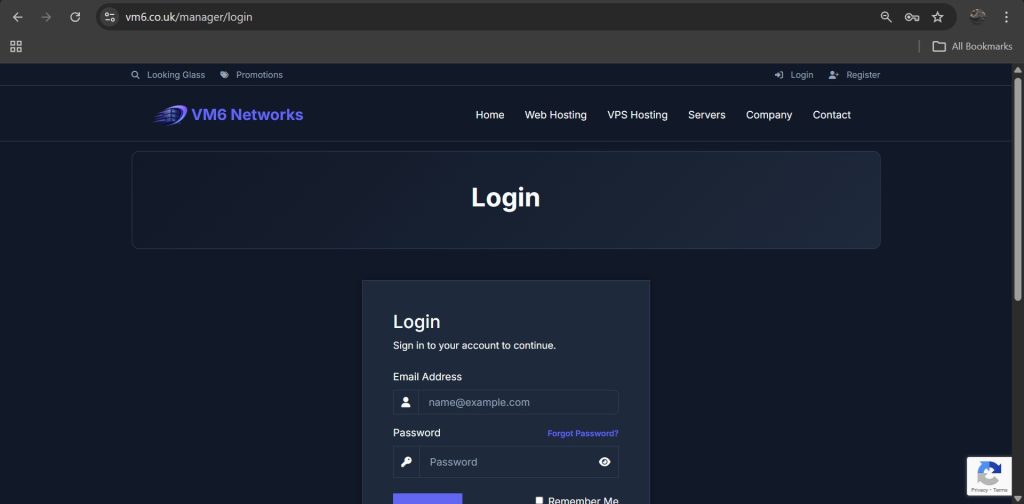
Step 1 — Login to Client Area
- Open your browser
- Go to:
https://www.vm6.co.uk/manager/login
- Enter your login details
- Click Login
Step 2 — Open Your Services
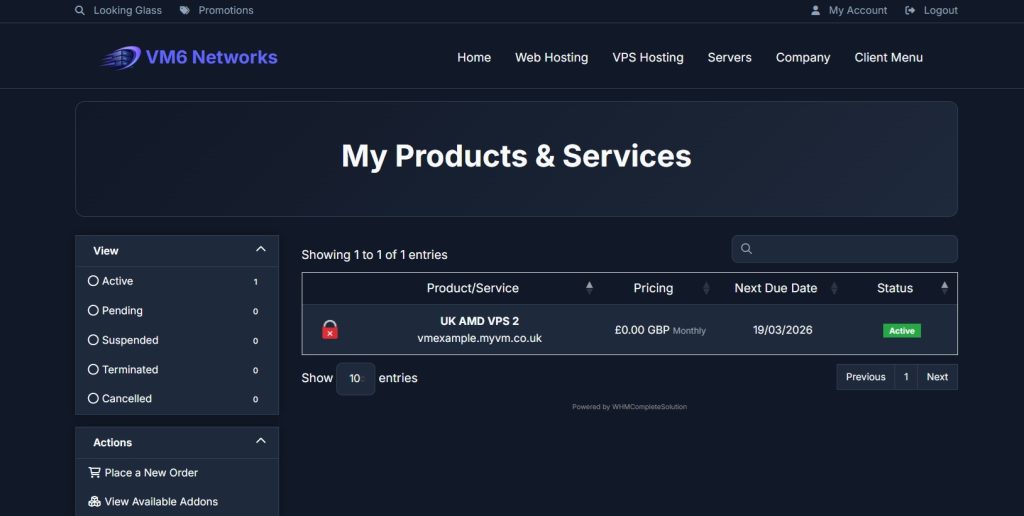
- In the top navigation bar click Client Menu
- Select My Services

Step 3 — Select Your VPS
You will see your active services.
Important: Click anywhere on the VPS box except the hostname. The hostname link opens IP details, not the VPS control panel.
Step 4 — Scroll to VPS Control Panel
Scroll down until you see:
VPS Control Panel
This section may take a few seconds to load.

Step 5 — Open Change Password Tool
Inside the control panel locate the password tool:
- Find the “Settings” tab and click it
- Then click on “Change Password”

Step 6 — Enter New Password
- Enter username, if not changed default is root or administrator
- Enter your new password
- Confirm the password
- Click Change Password
Your VPS password will now updated once you have shut down your VPS from the control panel, by pressing the shut down button (Stop Icon) and start it again (The Green Play Icon).
Password Requirements (Recommended)
For maximum security, use a strong password:
- Minimum 12 characters
- Uppercase + lowercase letters
- Numbers
- Symbols
Example strong password format:
Vm6!Secure#2026$
Step 7 — Login With New Password
You can now log in using your new password once your VPS has booted:
- Linux VPS: SSH or console login
- Windows VPS: Remote Desktop
Common Issues & Fixes
Password Not Working?
- Wait 10–20 seconds for sync
- Check caps lock
- Try console login
Forgot Username?
- Linux = root
- Windows = Administrator
Still Cannot Login?
- shut down VPS from control panel
- Try browser console access
Security Best Practices
- Change passwords regularly
- Never reuse passwords
- Store passwords securely
- Use SSH keys where possible
Summary
Changing your VPS password from the client area is fast, secure, and works even if you cannot log into your server normally. This makes it one of the most useful recovery tools available in your VPS control panel.
If your looking for high performance UK VPS hosting, click here!