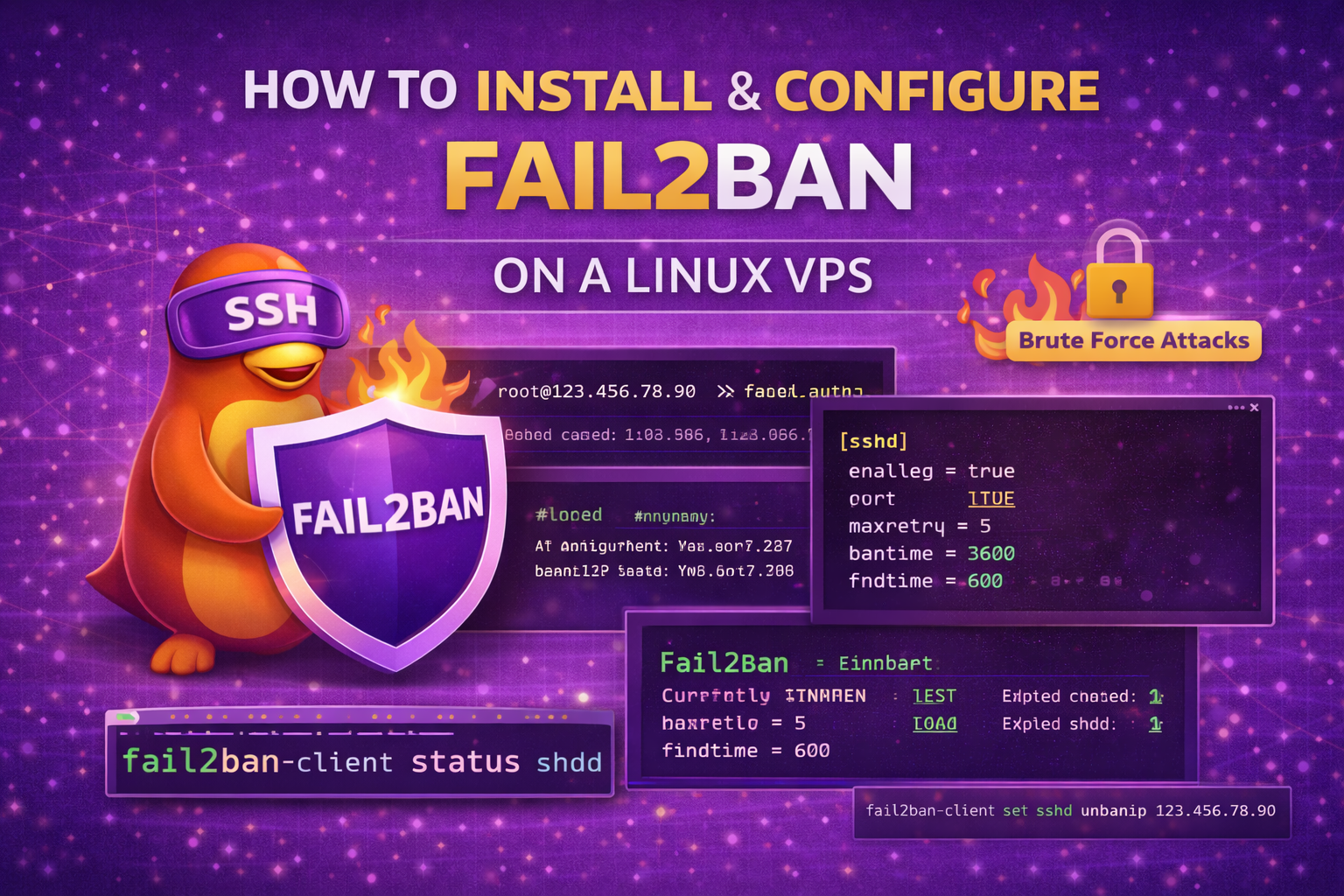
Fail2Ban is a powerful security tool that protects your Linux VPS from brute-force attacks by automatically banning IP addresses after too many failed login attempts. In this guide, you’ll learn how to install and configure Fail2Ban properly.
What is Fail2Ban?
Fail2Ban monitors log files (like SSH logs) and blocks IP addresses that show malicious signs — such as too many failed password attempts.
It works great with:
- SSH
- Apache
- Nginx
- FTP
- Mail servers
Step 1: Connect to Your Server via SSH
ssh root@your-server-ip
Step 2: Update Your System
apt update
apt upgrade -y
(For CentOS/RHEL use: yum update -y)
Step 3: Install Fail2Ban
Ubuntu / Debian:
apt install fail2ban -y
CentOS / RHEL:
yum install epel-release -y
yum install fail2ban -y
Step 4: Start and Enable Fail2Ban
systemctl start fail2ban
systemctl enable fail2ban
Check status:
systemctl status fail2ban
Step 5: Create a Local Configuration File
Never edit jail.conf directly. Instead, create a local copy:
cp /etc/fail2ban/jail.conf /etc/fail2ban/jail.local
Step 6: Configure SSH Protection
Open the configuration file:
nano /etc/fail2ban/jail.local
Find the [sshd] section and modify it:
[sshd]
enabled = true
port = 2222
maxretry = 5
bantime = 3600
findtime = 600
Explanation:
- enabled = true → Activates SSH protection
- port → Use your custom SSH port (if changed)
- maxretry → Attempts before ban
- bantime → Ban duration in seconds (3600 = 1 hour)
- findtime → Time window for failed attempts
Step 7: Restart Fail2Ban
systemctl restart fail2ban
Step 8: Check Fail2Ban Status
View overall status:
fail2ban-client status
View SSH jail status:
fail2ban-client status sshdYou should see:
- Currently banned IPs
- Total banned IPs
How to Unban an IP Address
fail2ban-client set sshd unbanip 123.456.78.90
Recommended Secure Configuration
For stronger protection:
bantime = 86400
maxretry = 3
findtime = 600
- 86400 = 24-hour ban
- Only 3 failed attempts allowed
How to Whitelist Your IP Address
In jail.local, add:
ignoreip = 127.0.0.1 YOUR.IP.ADDRESS.HERE
Common Issues & Fixes
Fail2Ban Not Banning?
- Check SSH log file location
- Ensure SSH port matches config
- Restart service after changes
Locked Yourself Out?
- Use VPS provider console access
- Stop Fail2Ban:
systemctl stop fail2ban
Best Practice: Combine with UFW
For maximum security, use:
- UFW firewall
- Custom SSH port
- Disable root login
- SSH key authentication
- Fail2Ban
You’re All Set 🚀
Fail2Ban is now protecting your Linux VPS from brute-force attacks. Your server security is significantly improved.
If you enjoyed this article checkout our high secure fast VPS packages,