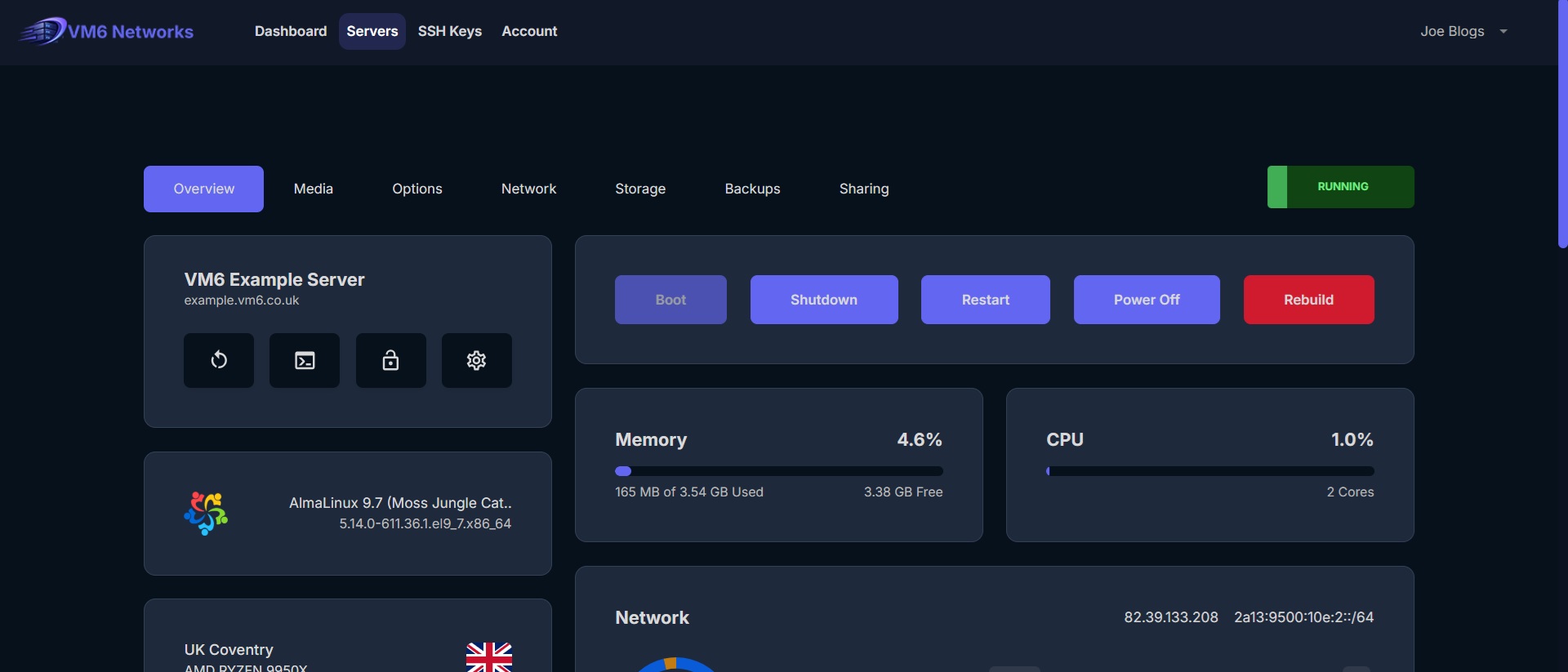
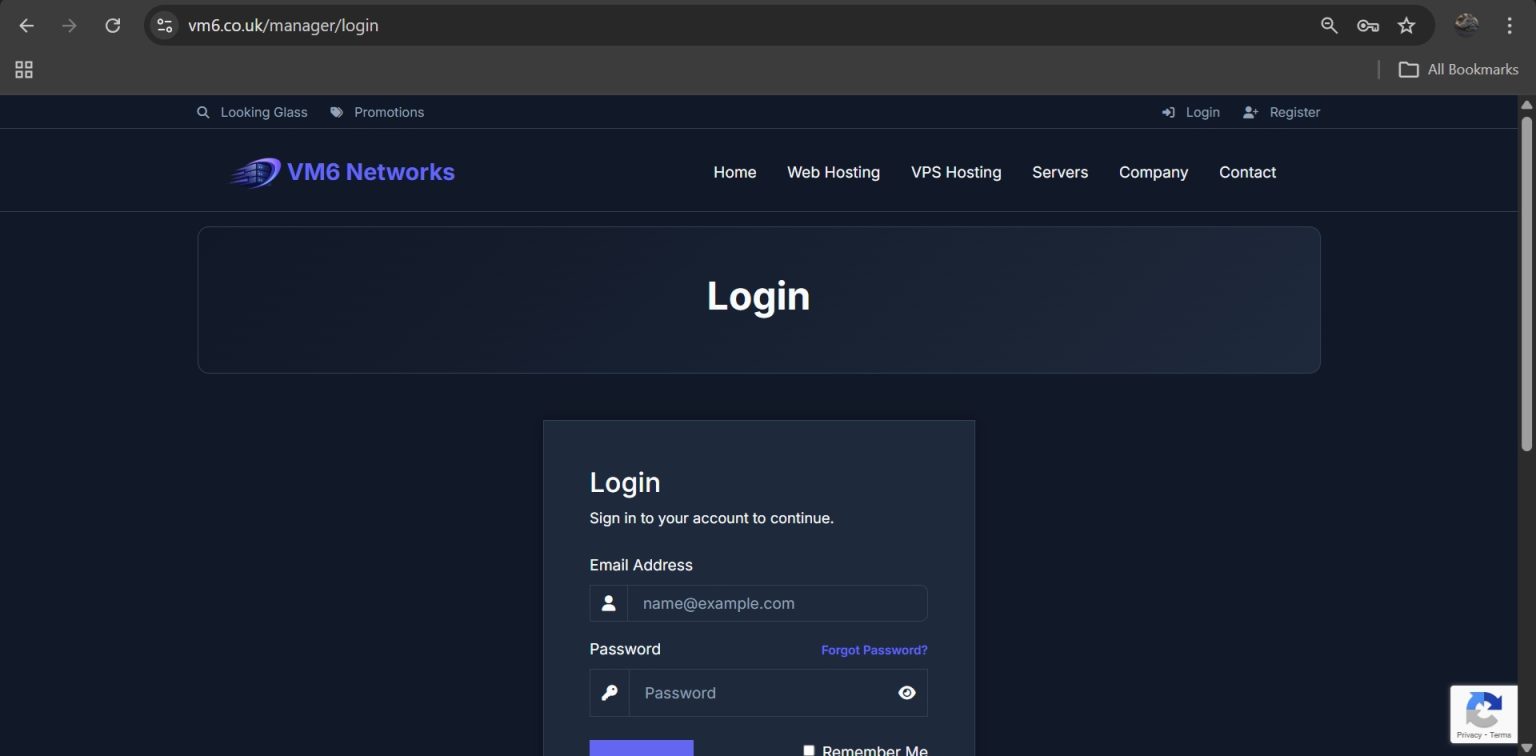
Step 1 — Login to the Client Area
- Open your browser
- Go to the VM6 client area
- Enter your login details
- Click Login
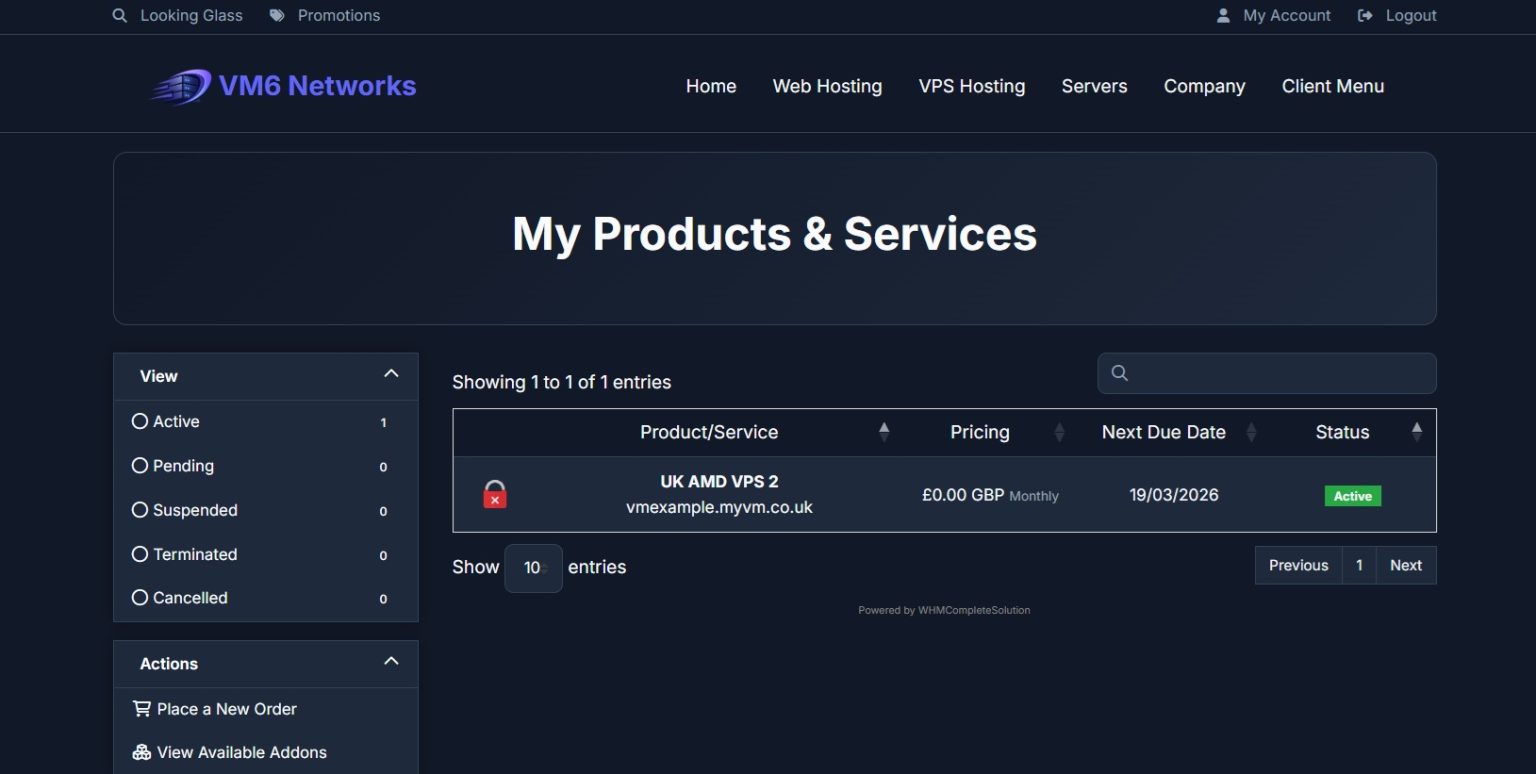
Step 2 — Open Your VPS Service
- Go to Client Menu
- Click My Services
- Select the VPS you want to manage
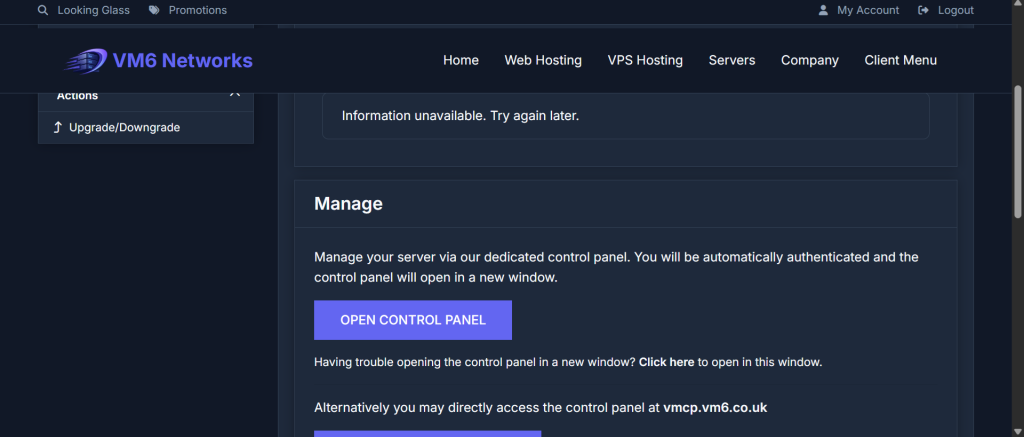
Step 3 — Open the VPS Control Panel
Once you are on your VPS service page:
- Click Open Control Panel
This will open the VirtFusion control panel for your VPS.
Step 4 — Success!
You have now successfully logged into your VPS control panel and have total control of your VPS.