On this page
Introduction
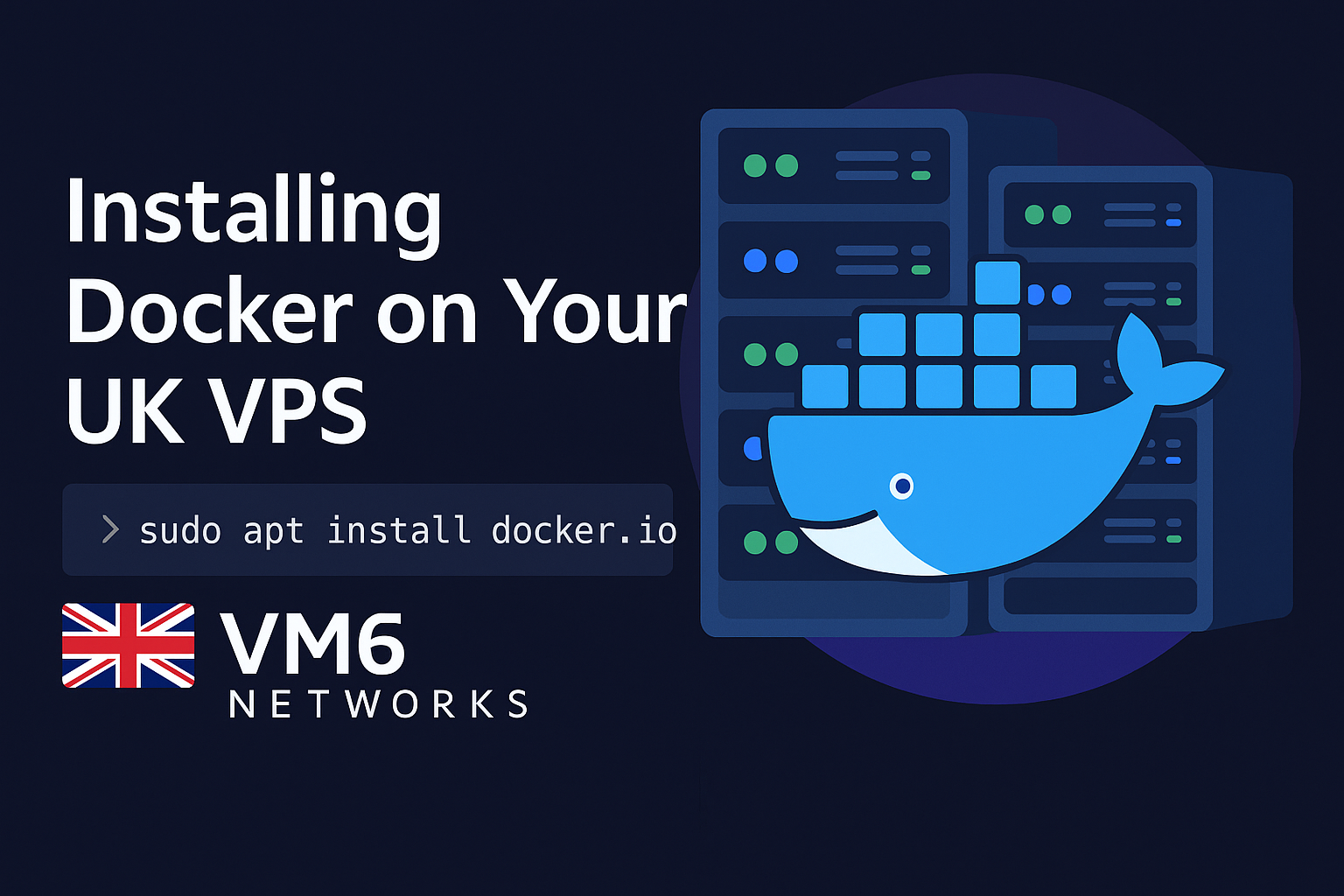
Docker has become a cornerstone of modern development and deployment — allowing developers to run applications in isolated, lightweight containers that are fast, portable, and easy to replicate.
If you’re using a VM6 Networks UK VPS, you already have a solid foundation for containerized workloads: ultra-fast Ryzen 9 processors, Gen4 NVMe SSD storage, and 10Gbps networking.
⚙️ Why Use Docker on a VPS?
- Isolation – Run multiple apps or environments without conflicts.
- Performance – VM6’s high-speed NVMe disks ensure containers start instantly.
- Portability – Move containers between dev, staging, and production effortlessly.
- Efficiency – Run multiple containers on one VPS with minimal overhead.
- UK Hosting – Keep your infrastructure within the UK for low latency and GDPR compliance.
🔐 Prerequisites
You’ll need a VM6 VPS running Ubuntu 22.04 or newer, root/sudo access, and an updated system:
sudo apt update && sudo apt upgrade -yNeed a VPS? 👉 View VM6 UK VPS Plans
🐳 Step 1: Install Docker Engine
sudo apt remove docker docker-engine docker.io containerd runc
sudo apt install ca-certificates curl gnupg lsb-release -y
sudo mkdir -p /etc/apt/keyrings
curl -fsSL https://download.docker.com/linux/ubuntu/gpg | sudo gpg --dearmor -o /etc/apt/keyrings/docker.gpg
echo "deb [arch=$(dpkg --print-architecture) signed-by=/etc/apt/keyrings/docker.gpg] \
https://download.docker.com/linux/ubuntu $(lsb_release -cs) stable" | sudo tee /etc/apt/sources.list.d/docker.list > /dev/null
sudo apt update
sudo apt install docker-ce docker-ce-cli containerd.io docker-buildx-plugin docker-compose-plugin -y
docker --version
🧩 Step 2: Enable and Start Docker
sudo systemctl enable docker
sudo systemctl start docker
sudo systemctl status docker
👤 Step 3: Run Docker Without Sudo
sudo usermod -aG docker $USER🧱 Step 4: Run Your First Container
docker run hello-worldIf you see “Hello from Docker!” — your setup is successful.
🌐 Step 5: Deploy Nginx in a Container
docker run -d -p 80:80 --name web nginxVisit http://your-vps-ip to see the Nginx welcome page.
⚡ Step 6: Useful Commands
docker ps
docker ps -a
docker images
docker stop web
docker rm web
docker system prune
🔒 Step 7: Securing Docker
- Keep Docker updated
- Use non-root users for containers
- Configure a firewall (UFW)
- Use Docker Compose for stacks
- Back up regularly with VM6 snapshots
🚀 Why VM6 Networks Is Perfect for Docker
- AMD Ryzen 9 7900 CPUs
- DDR5 4800MHz RAM
- Gen4 NVMe SSD Storage
- 10Gbps UK Network
- Multiple UK Datacentres
🧠 Final Thoughts
Docker makes deployment faster and easier — and with a VM6 UK VPS, you get the power, reliability, and speed to make the most of it.
Ready to start? 👉 Explore VM6 UK VPS Hosting
Written by VM6 Networks — Reliable UK VPS Hosting powered by AMD Ryzen 9 and Gen4 NVMe SSDs.