Dedicated Servers
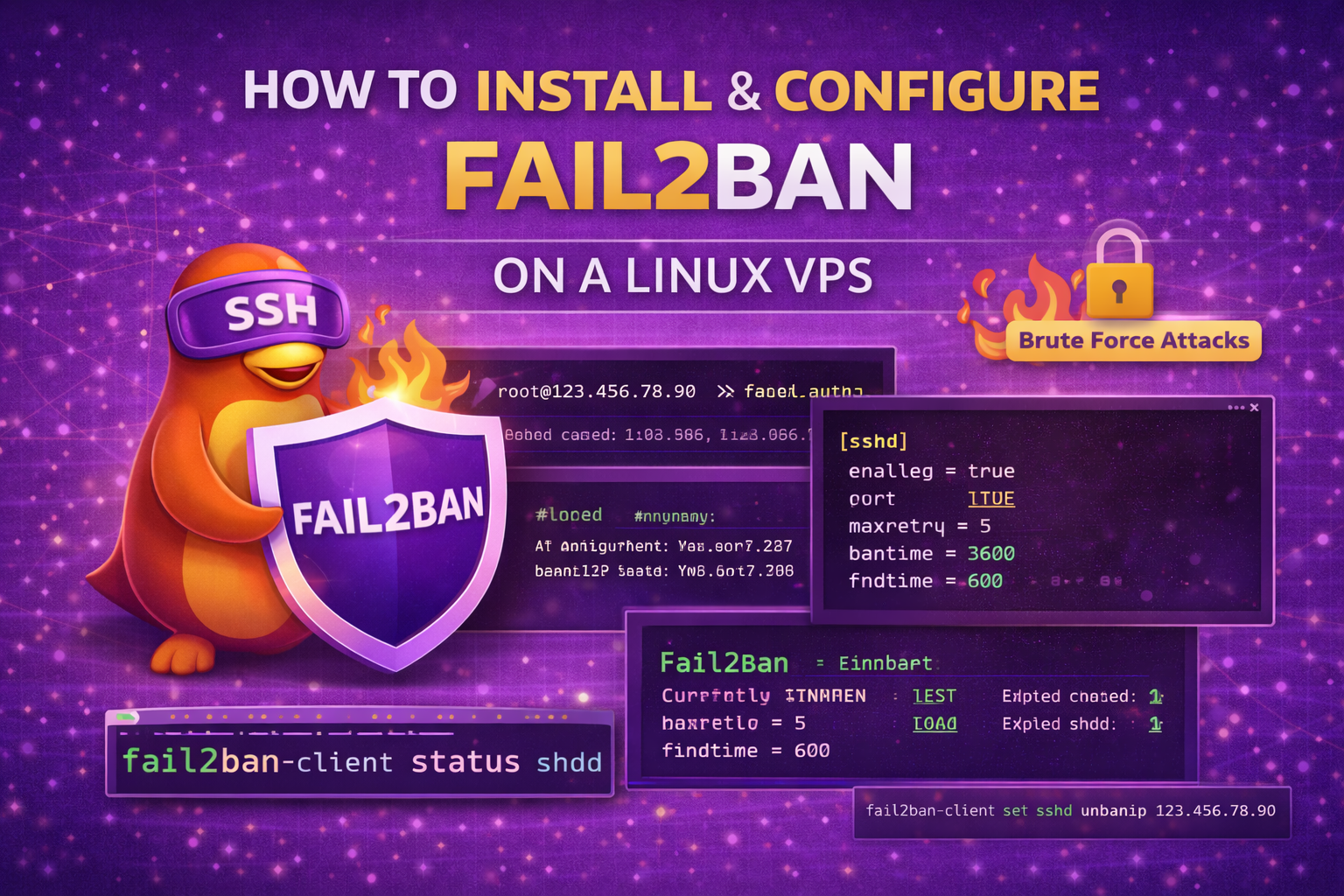
How to Install and Configure Fail2Ban security on a Linux VPS
Fail2Ban is a powerful security tool that protects your Linux VPS from brute-force attacks by automatically banning IP addresses after too many failed login…
Notes from the people running the platform — hardware, networking, control panels and the occasional incident write-up.
Fail2Ban is a powerful security tool that protects your Linux VPS from brute-force attacks by automatically banning IP addresses after too many failed login…
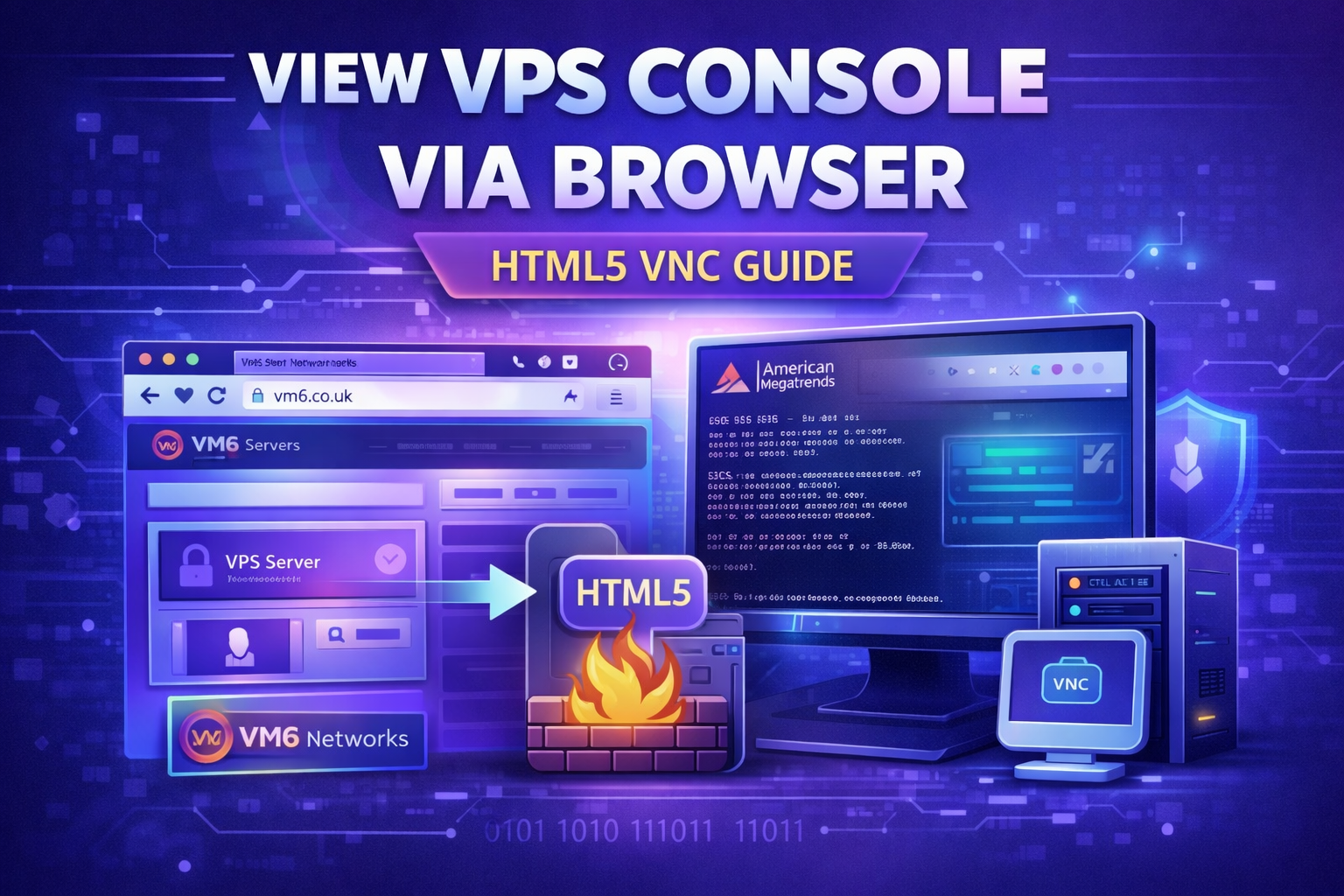
This guide shows you how to access you VPS console directly from your browser using the HTML5 VNC viewer inside the VM6 Networks control…
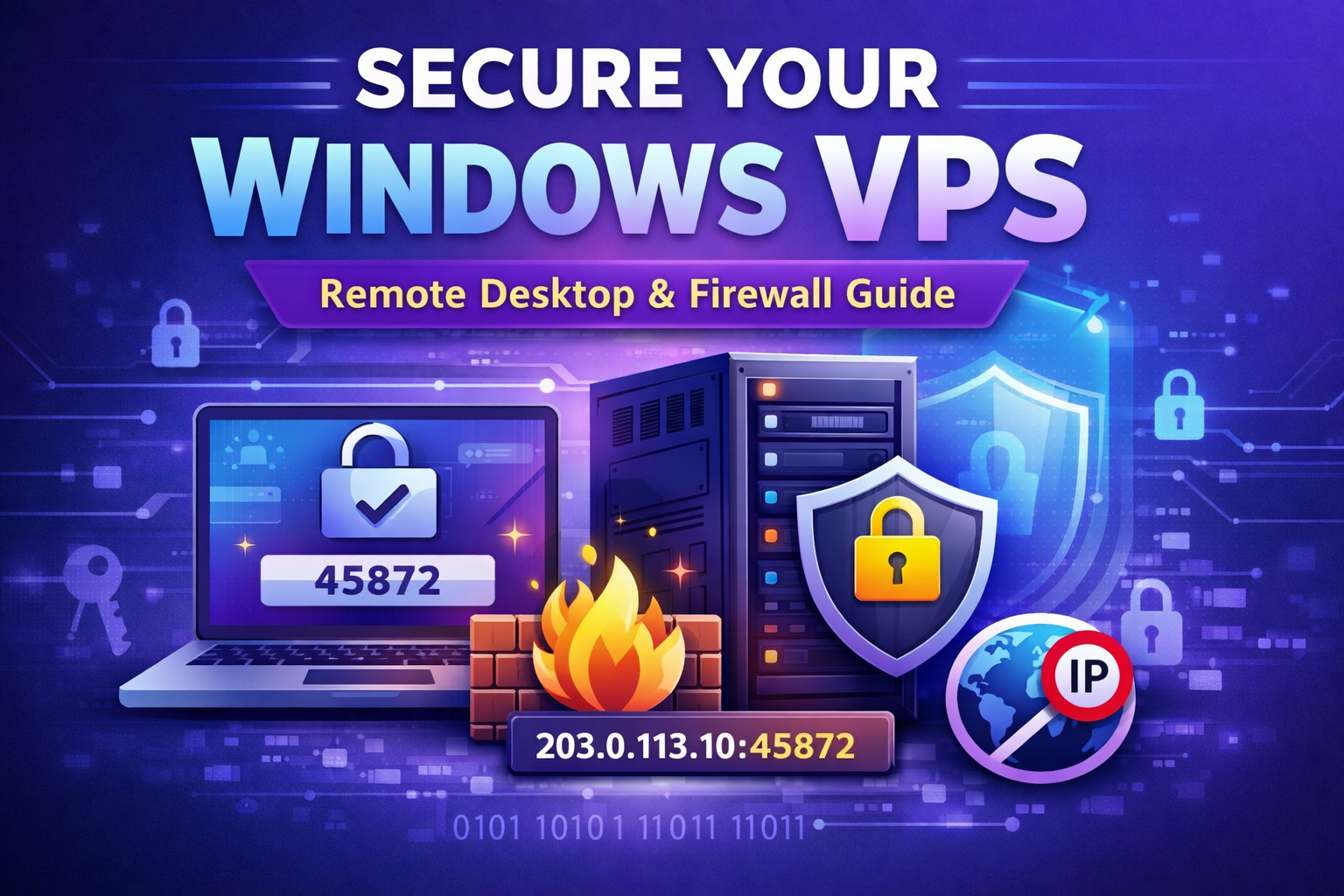
If you run a Windows VPS, your biggest risk is Remote Desktop (RDP). Internet scanners and bots constantly attack Windows servers, especially on the…
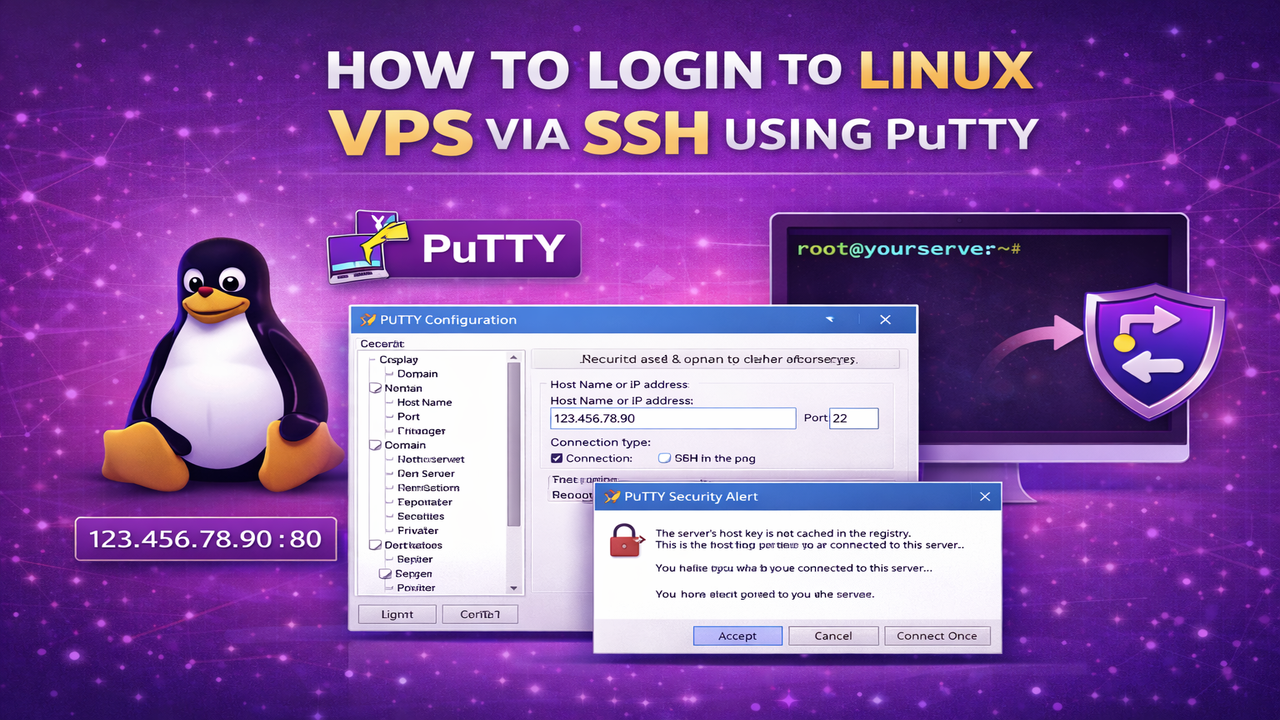
If you’ve purchased a Linux VPS, you can connect to it securely using SSH (Secure Shell). In this guide, we’ll show you how to…
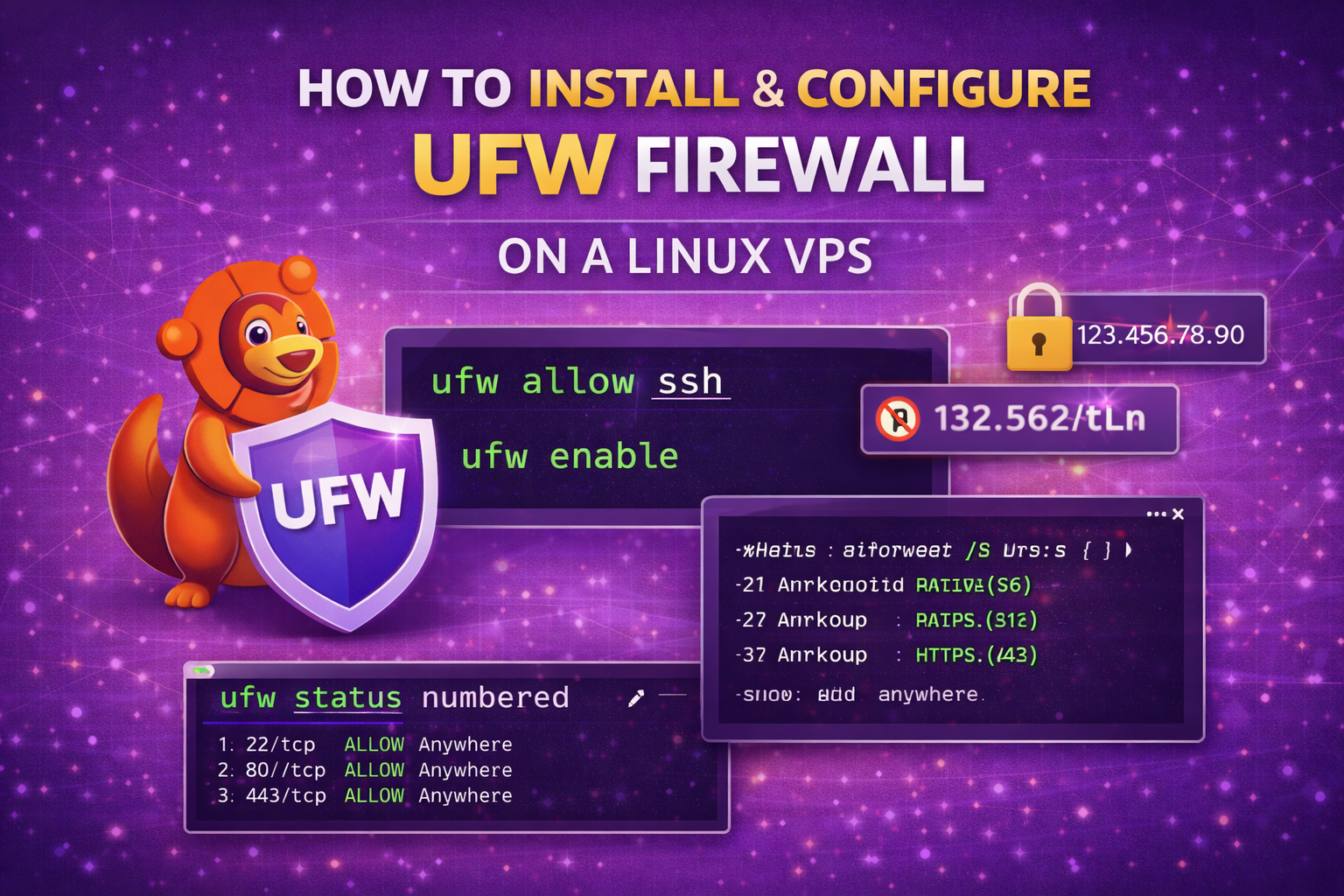
Please note this is for Linux VPS, if you host MT5 Forex VPS with us or game servers, please use the Windows Firewall guide.…

If you’re connecting to your Windows VPS using Remote Desktop (RDP), you may want to adjust the display resolution, enable multiple monitors, or switch…
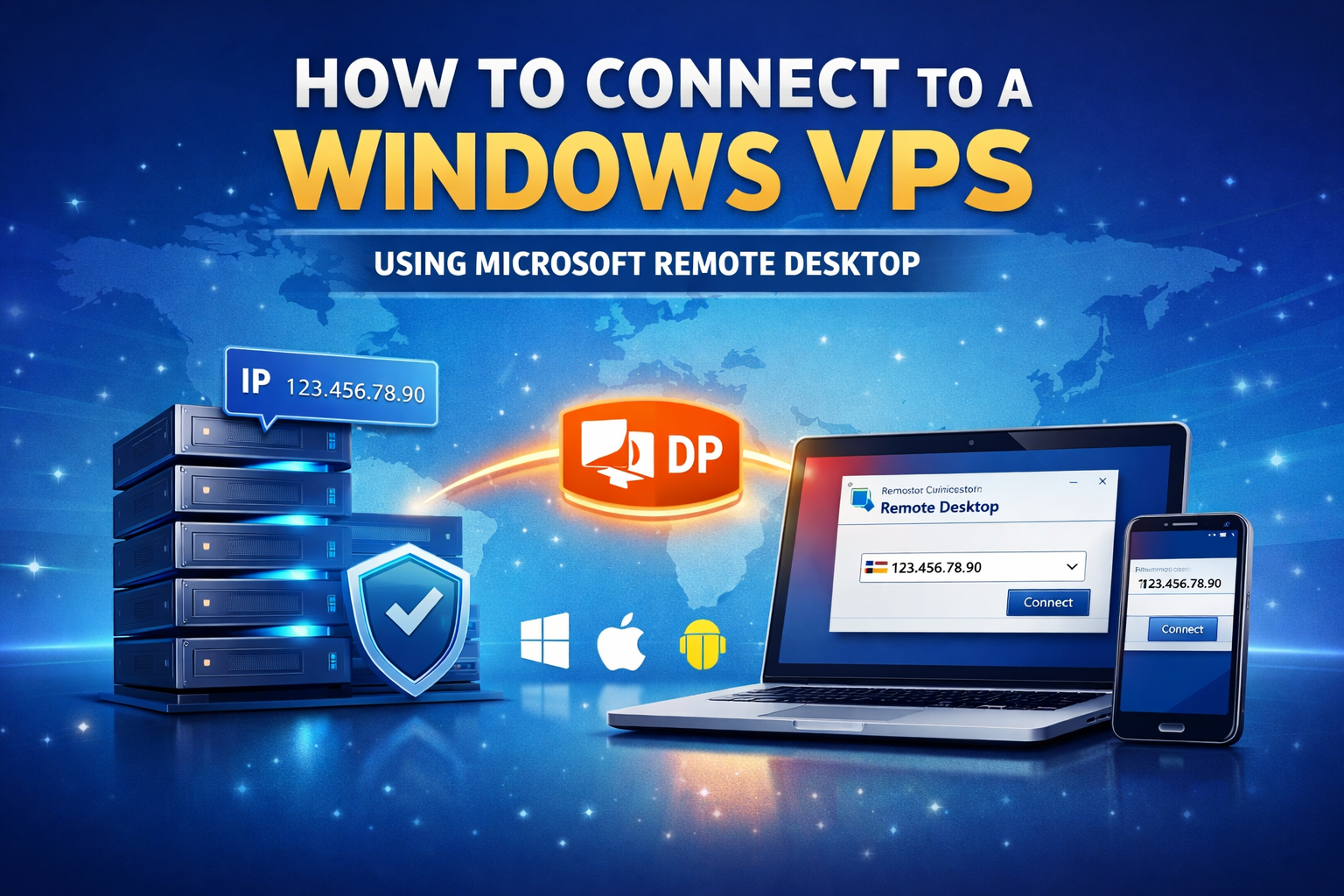
If you have purchased a Windows VPS, you can access it using Microsoft Remote Desktop (RDP). This guide will walk you through the step-by-step process…
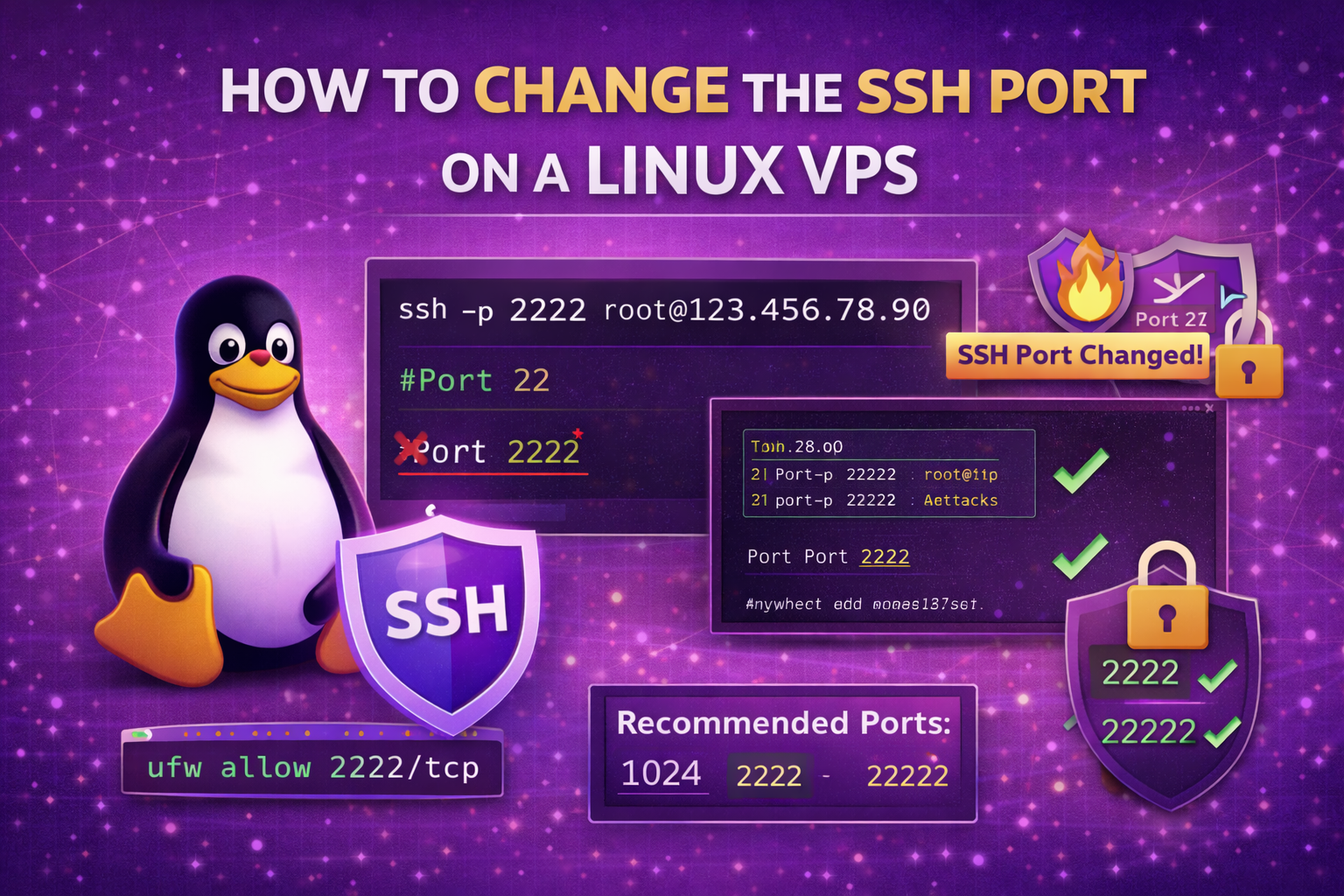
By default, SSH runs on port 22. Changing the SSH port helps reduce automated brute-force attacks and improves server security. In this guide, you’ll learn…
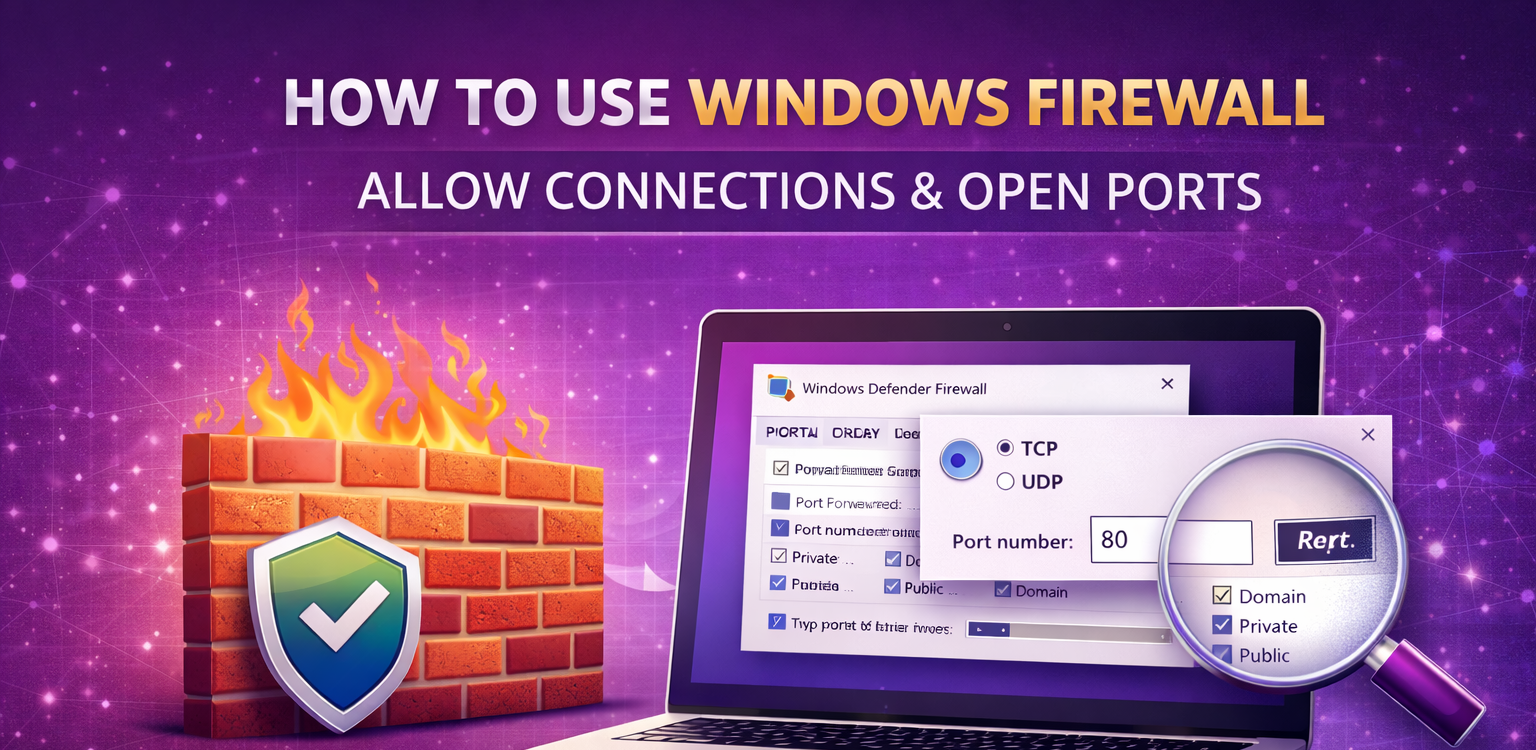
Windows Firewall helps protect your VPS from unauthorized access. In this guide, you’ll learn how to open ports, allow programs, and create inbound rules…
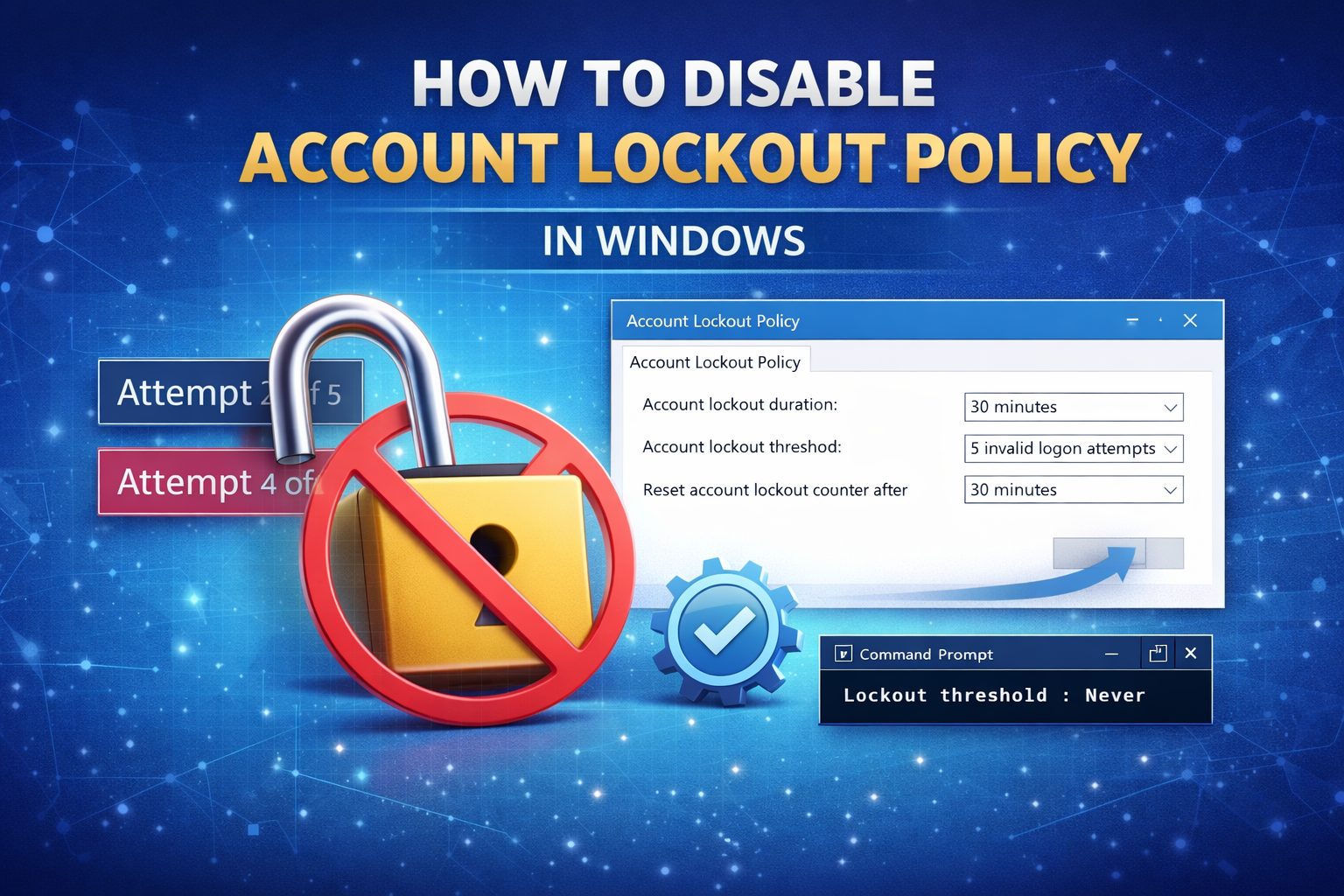
If you are using a Windows VPS, you may experience account lockouts after multiple failed login attempts. This guide will show you how to…